self-hosting
The server behind the couch
MONKEserver is an old laptop that should be in a drawer. Instead it serves this website — and taught me more about how the internet works than any job ever has.
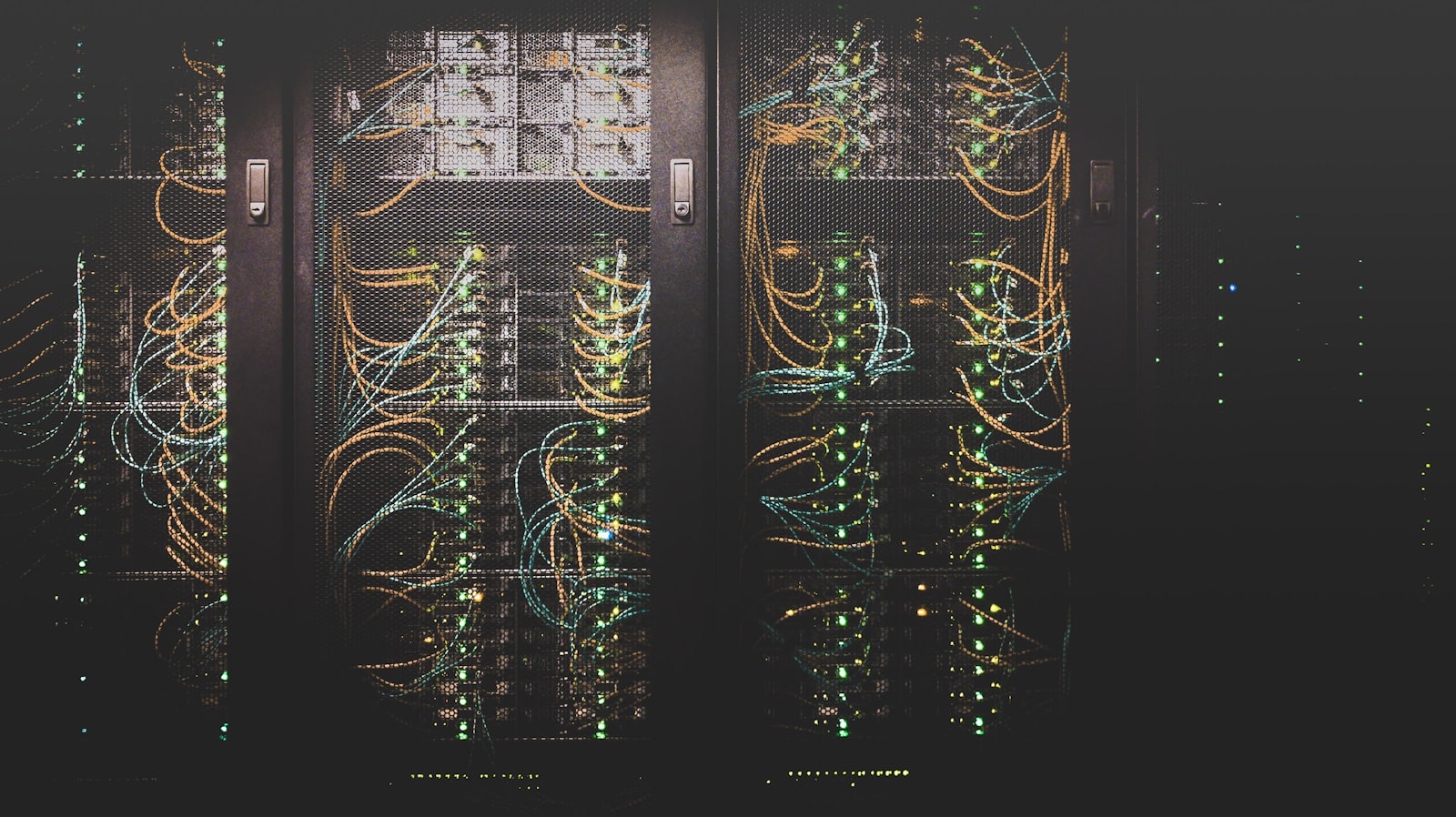
Somewhere in my flat there is a computer that, by any reasonable standard, should not be doing what it is doing. It is old. It predates most of the software now running on it. By any sensible metric it belongs in a drawer, a bin, or at the very least on eBay. Instead, it is serving my website to anyone on the internet who asks for it.
I call it MONKEserver.
I should explain why I did not just do what any sensible person does: pay a hosting company a tenner a month, point a domain at it, and get on with my life. The honest answer is a mixture of things. I am cheap, in the way only someone who has recently started paying for everything themselves can be. I am stubborn. And I had spent most of my life using the internet without the faintest idea what was actually happening between clicking a link and a page appearing. I had a vague sense it involved servers somewhere. Beyond that: total magic. Building my own forced me to find out.
So the question is: was converting a piece of obsolete hardware into a personal server a sensible use of my time?
In short: yes. And it has taught me more about how the internet actually works than any course, article, or job ever has.
Pi-hole, and seeing DNS for the first time
The first thing I set up was Pi-hole.
Pi-hole is a network-wide ad and tracker blocker that runs on your local network and acts as your DNS server. DNS is the internet's phonebook: the system that translates a domain name like "google.com" into the numerical address of a real machine somewhere. Pi-hole sits between your devices and the internet's DNS servers, and when something on your network tries to look up a tracking domain, it returns nothing. The request goes nowhere. The ad never loads. For every device on your network, without touching a single browser setting.
Setting it up was the first time I genuinely understood what DNS is, what a DNS query looks like, and why it matters who resolves it. I had typed domain names into browsers my entire life without knowing there was a translation layer underneath. Now I could see every DNS request my devices were making, in real time, in a dashboard running on my local network. For the first time, the internet felt like something I could see inside, rather than something that just happened to me.
It also broke my internet three times. Misconfiguring your own DNS server is a creative way to make your entire network stop resolving anything. I became quite familiar with the error screen.
Putting the site on a computer in my flat
Once MONKEserver was on the network and doing something useful, the next step was obvious: put my actual website on it.
My site had been sitting on managed hosting, ticking along fine. That is perfectly acceptable, but it is someone else's computer, with someone else's decisions about how everything works underneath. The appeal of running it myself was partly control and mostly the interesting chaos of figuring it out.
This is where Cloudflare came in, and where things got genuinely interesting.
If you are serving a website from a computer in your flat, you have an immediate problem: your home internet connection has a public IP address that changes periodically, and directly exposing it to the internet is a bad idea for both security and privacy. Cloudflare Tunnel solves this elegantly. You run a small agent on your server that dials out to Cloudflare's network and establishes a persistent tunnel. Traffic for your domain hits Cloudflare, travels through that tunnel, and lands on your machine, without your home IP ever appearing anywhere. Cloudflare also handles DDoS protection, SSL termination, caching, and analytics, all for free.
Setting this up meant I had to understand what "SSL termination" actually means, what an edge network is, what a reverse proxy does, and why ports 80 and 443 are the ones that matter for web traffic. I had heard all of these terms before in the way you hear words in a language you do not speak: you recognise the sounds, you have no idea what they mean. After a day of tinkering and several very specific error messages, they were no longer abstract. They were things I had configured myself, that were either working or, temporarily, on fire.
The part that still gives me unreasonable satisfaction is that this page is being served by a machine in my flat. Not a server farm in Dublin. Not an AWS region I will never visit. A computer that shares electricity costs with my kettle. The request you just made travelled through Cloudflare's global network, found a tunnel, and ended up talking to a box that sits near my desk. That is strange and delightful.
Living in the terminal
Running a server on Ubuntu also meant, for the first time in my life, actually living in a terminal.
I had used command-line tools before in the shallow way you do when a tutorial tells you to copy and paste something. This was different. When you are managing a server, the terminal is not a tool you reluctantly visit. It is where everything happens. You learn to navigate it because you have no choice, and then at some point you realise you prefer it.
Ubuntu Server has no graphical interface. Nothing to click. Every service I run, every file I move, every configuration I change happens through text commands in a terminal window. Early on this felt like a punishment. Now it feels like the most direct way to talk to a computer. There is something genuinely satisfying about telling a machine exactly what to do and having it do exactly that, with no interpretation layer in between.
Everything runs in Docker containers. Each service — the website, Pi-hole, the web apps I am building — lives in its own isolated environment with its own dependencies, and they do not interfere with each other. In practice this means a lot of typing docker ps to see what is running, docker logs to find out why something is not running, and docker compose up -d to start everything again after I have, inevitably, knocked something over.
Building things to run on it
The part I did not expect is how much I would enjoy building things to run on it.
Vibe coding is probably the best description for how I approach building web apps: I have an idea, I start building it, I use AI tools to move faster than I could manage alone, and I iterate until it does what I want. The server gives me somewhere to actually deploy what I build, which changes everything. An app that lives only on your laptop is a toy. An app that is accessible on the internet, that runs whether your laptop is open or not, that you have configured routing and authentication for, is a real thing.
I have built small things: dashboards, automation endpoints, tools that do one job quietly in the background. None of them are products in any serious sense. But the loop of building something, deploying it to MONKEserver, pointing a subdomain at it through Cloudflare, and then opening it on my phone from the other side of the city is genuinely addictive. It is the closest digital equivalent to building something with your hands and being able to hold it.
It has also taught me things I would struggle to learn any other way. You understand authentication properly when you are the one deciding what sits behind it. You understand caching when you are the one deciding what gets cached and for how long. You understand what a reverse proxy does when you are the one writing the Nginx config that routes traffic to the right container based on the subdomain.
Everything that went wrong
The honest version of this story includes a lot of things going wrong.
There was the time I misconfigured a firewall rule and locked myself out of the server, which required physically going to the machine and plugging in a keyboard. There was the DNS outage I caused for the entire home network on a Sunday morning, which my housemates noticed before I did. There was the time I updated a Docker image without reading the changelog and broke the service it was running for three hours. There was the time I ran a command I did not fully understand and spent forty minutes working out what it had done.
Each of these was its own education. You learn error messages in a way you never do when everything is working. You develop an instinct for what connection refused means versus connection timed out, what a 502 actually indicates, why permission denied might have nothing to do with the file you are looking at. These are things you can read about, but you do not really know them until you have had to fix them under mild panic at eleven in the evening.
The internet is not a cloud
The deeper thing this project has taught me is that the internet is not a cloud. It is not a metaphor or a feeling. It is a collection of physical machines, owned by people and organisations, connected by cables and protocols, running software that someone wrote. When you use a service, you are using someone's computer. When a service goes down, someone's computer went wrong. When a website is fast, it is because someone thought carefully about where to put the computers and how to move data between them.
Running my own server made all of that concrete in a way that nothing else had. I am now, in a small way, one of those someones. MONKEserver is a tiny, laughably small node in the network of machines that makes up the internet. But it is mine, and I understand it, and I can see exactly what it is doing at any point in time.
There is a real irony in self-hosting a personal website. It is slower to set up, requires more maintenance, and introduces failure modes that managed hosting simply does not have. It is the irrational choice if the goal is just a working website.
But a working website was never really the goal. The goal was to understand how a working website actually works. And you cannot learn how a system works by only ever using the comfortable abstraction on top of it.
This page is being served by the machine you are looking at.
It sounds like a stunt, and in some ways it is. But it is also just true. Every image, every byte of text, every request your browser made to get here came from a computer in my flat, through a Cloudflare tunnel, routed by Nginx to the right container, served by a process running right now on a machine that has a name.
That feels like the opposite of magic. And I mean that as a compliment.
Filed underself-hostinghomelabcloudflare